


The best advice I ever got as a young CEO:
Always have an executive assistant.
Not rocket-surgery for sure...
But I’m stunned at the number of business owners I know who don’t have an assistant.
But this newsletter isn’t about getting an assistant.
It’s about the 1999 workflow I just resurrected that makes working with an EA 100x more effective.
When I became the CEO of my first business, I was 28.
New baby.
And within 3 years, I was the President of the state trade association, headed the industry’s lobbying efforts, had baby #2, and went from a single-office company to a 3-office company.
I was on the road... a lot.
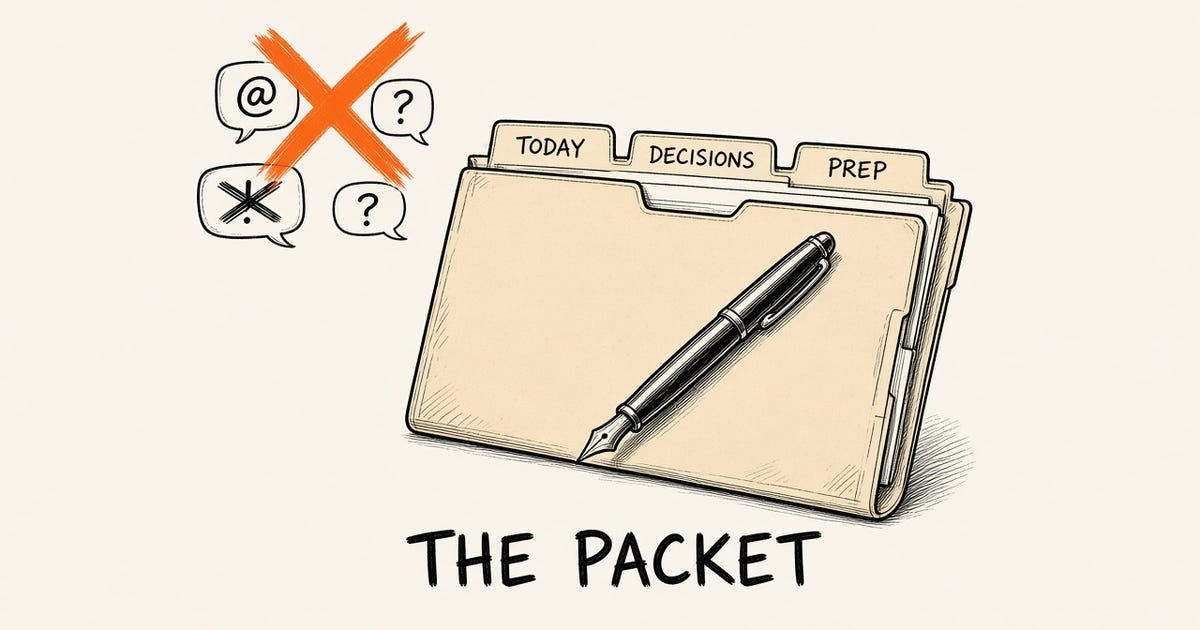
And we made it work with what I called “the packet.”
Every morning, Sarah, my EA would put together “the packet”...
A stack of paper that I needed to read, decide on, respond to, sign... plus notes on meetings for the day.
All in a folder.
Everything in the packet had a note attached with what I needed to know about it (context) and what I needed to do with it.
If I was going to be on the road, I got the packet on the way out of the office.
I’d go through it all on the plane (usually in 30 minutes or less).
When I landed at one of our other offices, the receptionist there took the completed packet and sent it back (fax or FedEx).
It was a liberating system.
I didn’t suffer death by a thousand cuts all day.
They accumulated, got organized, filtered, and handed to me with context.
I was free to focus and be present all day.
Then email arrived...
And the system started to break down.
Context was increasingly splintered and invisible to the EA.
2005 was the last time the system really worked well.
In 2010, when I started this firm, I made my first hire: an EA.
She was amazing... but lived in a different city.
For the last 16 years, I’ve tried to get something that worked as well as “the packet”...
And I’ve failed again and again.
I even tried the “morning brief” AI prompts floating around the Internet.
They kind of worked, but were never complete.
There was always a blind spot... a tool or context source they couldn’t quite see.
And the review “interface” inside a chat was honestly not suitable for real executive work.
So I passed on them until now...
For the last two weeks, I’ve been waking up to the digital version of “the packet”.
What makes it work is partly AI, but more importantly, how it’s delivered.
And this is what I want you to take away from this...
The leap in peace, focus, and speed lies in the “interface.”
Grab my complete template and AI prompt to create this system for yourself…
Back in the early 2000s, the interface was a folder full of paper and a pen.
Today, the killer interface for this kind of executive work is a super sophisticated...
Drum roll...
Google Doc.
I know. You’re impressed. ;-)
My most valuable Google Doc
Every morning at 5:22 a.m., Grok Bot scans
Slack
My email
My calendar
My master action list
Yesterday’s call transcripts
Our marketing campaign data
Our quarterly and monthly plans
The latest industry and AI news
By 5:30 a.m., it builds all of it into a Google Doc called “Command Center”.
It builds it in the same Google Doc every day. That’s key. I bookmark that one doc.
Every day, the AI makes a copy of the previous day’s Command Center content and archives it to a new doc with the previous day’s date.
That keeps a history while letting me use one link to get to today’s update.
The Command Center is now the one place that my EA and I work from.
She has all of the same context I have.
All the Slack messages (plus the extra context that matters)...
The email from the client, plus the details from our call two days ago that she wasn’t on.
Aside: this was a huge missing piece for me. In my first business, my EA’s desk was outside my office. The door was open; she could hear every call and conversation. By osmosis, she just knew what was going on.
I never figured out how to replicate that without having her sit on every Zoom call... until now.
Why a Google Doc is the killer interface
In the past, I’d tried to get Claude to do this... and it would give me a big long list in a chat message.
Sometimes.
It broke often.
And a long chat message is both hard to read and hard to respond to.
The Doc is the perfect executive interface.
I can brain dump (almost always by dictation) anything that comes up during the day.
My EA can add things the AI misses (not possible when it was just a chat sent to me).
We both add comments in the doc throughout the day.
As a result, we both stay on the same page...
And the AI scans those comments once in the afternoon, and once around 11 pm, so it knows what got done, what decisions were made, and what’s next.
From “got a minute” to batched...
Most of the tools we use to communicate today are anti-executive effectiveness.
They are instant and often expect an instant response.
That default robs you of the single most important and valuable activity of an executive...
Thinking.
Every Slack, email, and notification is a “got a minute” interruption.
Yes, with discipline you could batch responses, but the inbounds come with such volume that the possibility of missing something important in the noise is real.
The “Command Center” doc has removed that fear of missing the important for me.
It also organizes all those communications by importance and action.
In my doc, I get the following sections:
Today: An overview of my schedule, hour by hour. This is key to start with, so you know what kind of time you’re working with. No need to open the calendar.
The One Thing: What the AI has identified as the most important thing that must be done today. It’s right about 80% of the time. A couple of times, it’s saved me by surfacing something I’d forgotten.
Also Today: Less important stuff that’s helpful to know, might not be actionable, but adds context to the day.
Decisions: This is the real workspace. It pulls every request and decision from Slack, email, and voicemail. Summarizes the context around each one. Links to all the source material. And leaves a line for my decision, which I usually dictate. Today, I have 7 decisions. Four critical, the other three minor. All handled in 30 minutes (thinking time included).
No chasing the team for context (and waiting), no searching in Slack or email to find the one key piece of data I want to know before deciding. It’s all there.
Meta Ads Analysis: We’re running ads on Meta, and anytime you have something that spends while you sleep, you’d better keep a close watch. The bot that builds the Command Center pings our Meta Ads bot for an update on spending, results, ROAS, trends, and any new creative needed.
What used to take an hour to scan four tools is now a dense paragraph.
Follow-ups: A list of things I’ve delegated that need to be checked on today. (The list is pulled from my master action list, call transcripts, and internal communications so nothing is missed.) Random follow-up is now 5 minutes of messaging the team.
Meeting Prep: Every meeting gets a paragraph built from email, internal Slack messages about the person, current project status (if it’s a client), CRM notes, recent call transcripts, and my personal “CRM doc” for the person (more on that in a future issue).
Relationships: Two people pulled from my personal CRM that I should touch today, plus context and a draft message. I’m notoriously bad at staying in touch...but I want to be better. So far, this is a system I can keep up with.
Waiting On: Anything that’s waiting on someone else to do something, so it doesn’t get lost.
Parking Lot: A place where my EA and I can dump anything new that’s not for today. The AI sweeps it in the afternoon and again at night and organizes everything for tomorrow or the appropriate date in the future.
Tomorrow: A preview of what’s coming tomorrow.
This is all cool... what’s the goal?
I write about building a Freedom Firm. And the reality is that you never permanently own a Freedom Firm.
Freedom expands and contracts as the business grows and changes.
The last four months have been a time of freedom-contraction for me.
This workflow is my response.
When the business takes your freedom, the response is always to simplify.
Complexity steals freedom.
-Steve “simplify to multiply” Gordon
P.S. When you’re ready, we can help you in three ways…
1. Turn you into a bestselling author in 90 days >> We’ll write, publish, and promote your book…100% your ideas + our proven process. Click here to learn more.
2. Be everywhere your prospects look >> Our Be Everywhere Now™ program takes one 90-minute interview with you and turns it into client-getting content on all the places your clients are paying attention. Book a call with me.
3. Make clients an offer so good they’d feel foolish saying no… Our Sales Accelerator™ program gives you a unique Irresistible Offer and a high-converting sales process. Talk to the team to learn more.